The operating system for cabinet shops.
Custom cabinets, face frame and frameless. One system for quoting jobs, tracking production, and getting paid. Built for cabinet shops, not generic woodworkers.
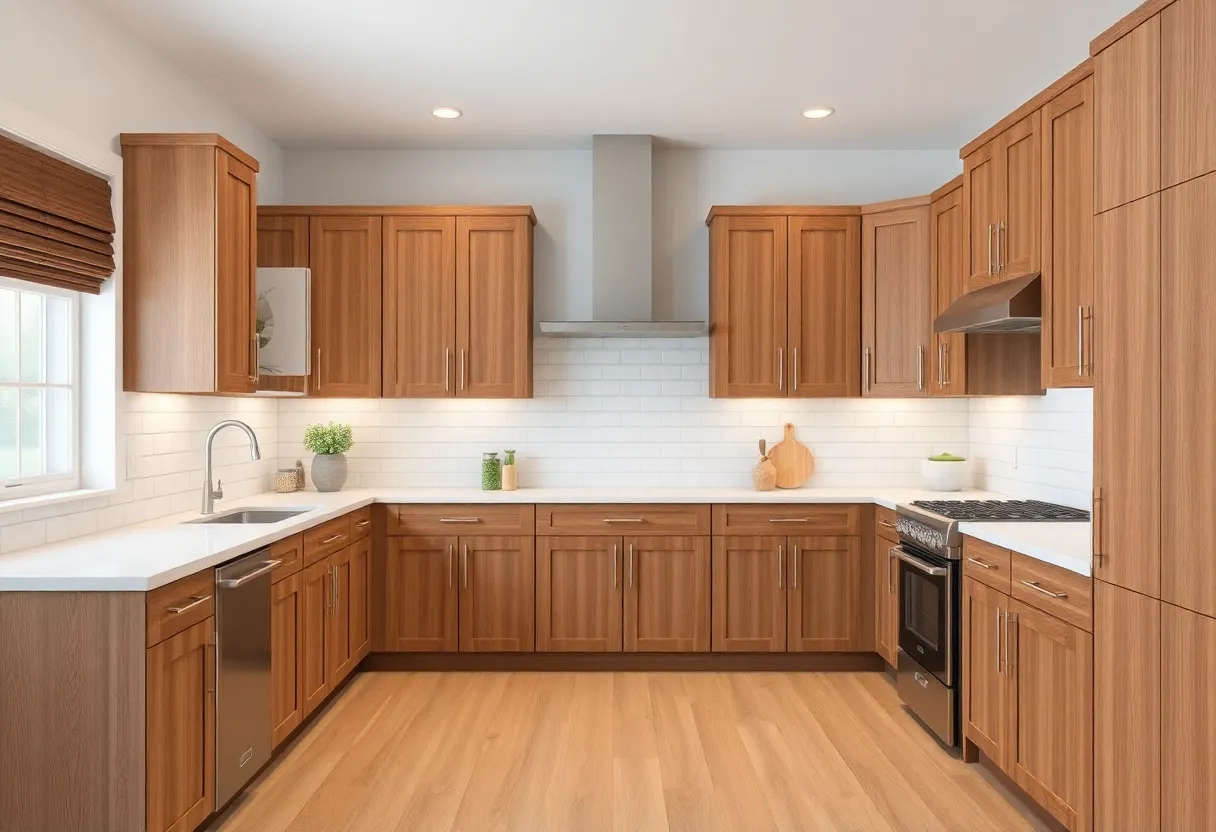
Built for your shop if...
- Custom cabinet fabrication for kitchens, baths, and built-ins
- Face frame or frameless construction
- 2 to 40 employees
- Using a design tool for drawings and spreadsheets for everything else
- ×You're fine not knowing your actual cost per box
- ×You don't need to track jobs from order to install
- ×You already have software that handles quoting, scheduling, and invoicing
- ×You're happy with the three-tool stack you have now
Sound familiar?
The same problems cost shops jobs every week.
The kitchen built to the wrong size
Customer sent updated measurements after the order was approved. The change made it to the designer. It did not make it to the shop. Twenty-four doors arrived on site a quarter inch too wide. You paid for the re-run and the installer's wasted day.
The order that got buried
Eight jobs in the queue. Customer called to check status. You had to walk the floor to find their job. It was sitting at finishing, two days behind, and nobody had flagged it. The contractor was already waiting on site.
The month you were busy but not profitable
Shop was slammed all month. Revenue looked good. But when you did the books, three jobs came in under cost because material prices had moved and the quote was never updated. You were busy making almost nothing.
How a job moves through OpenSpindle
From the first inquiry to the paid invoice, in one system.
Built for how Cabinet Shops actually work
Not generic business software. Every feature speaks the language of your shop.
Quoting + Cost Library
Build quotes from your actual sheet costs, hardware pricing, and finishing rates. Material prices change. Update your cost library once and every new quote reflects the current rate.
See Quoting + Cost LibraryMachine Scheduling
CNC router, edge bander, and finishing line each get their own resource in the schedule. See production capacity before you promise a delivery date.
See Machine SchedulingProduction Runs + Shop Floor Display
Track every cabinet job from sheet goods to installed. Live board in the shop shows where each job is across cut, assembly, finishing, and delivery.
See Production Runs + Shop Floor DisplayClient Workspace
Customers approve quotes, review drawings, and track order status without calling you. Fewer interruptions when you are trying to keep the router loaded.
See Client WorkspaceHow we compare to Mozaik / Cabinet Vision
Design and CAM software for cabinet shops. Not shop management.
| Mozaik / Cabinet Vision | OpenSpindle | |
|---|---|---|
| Shop management (quoting, scheduling, invoicing) | Design + CAM only | ✓ |
| Production tracking | No | ✓ |
| Client workspace | No | ✓ |
| Shop floor display | No | ✓ |
| Job profitability tracking | No | ✓ |
| CRM + RFQ management | No | ✓ |
| Per-seat pricing | Subscription per seat | Flat fee |
| Time to go live | Not applicable (different product) | Hours to days |
Feature comparison based on publicly available information. Verify before publishing.
Getting started is fast
We do the setup. You run the shop.
Flat monthly fee · no per-seat charges · no long-term contract
Everything included
No modules. No add-ons. One flat price.
Common questions
Cabinet Shops
Ready to see it on your cabinet shop's jobs?
Book a demo and we will run it on cabinet job types. Not a generic walkthrough.