The operating system for CNC routing shops.
Cabinets, millwork, signs. Quote by the sheet, track every job from cut to delivery, and replace the stack of tools that were not built for routing work.
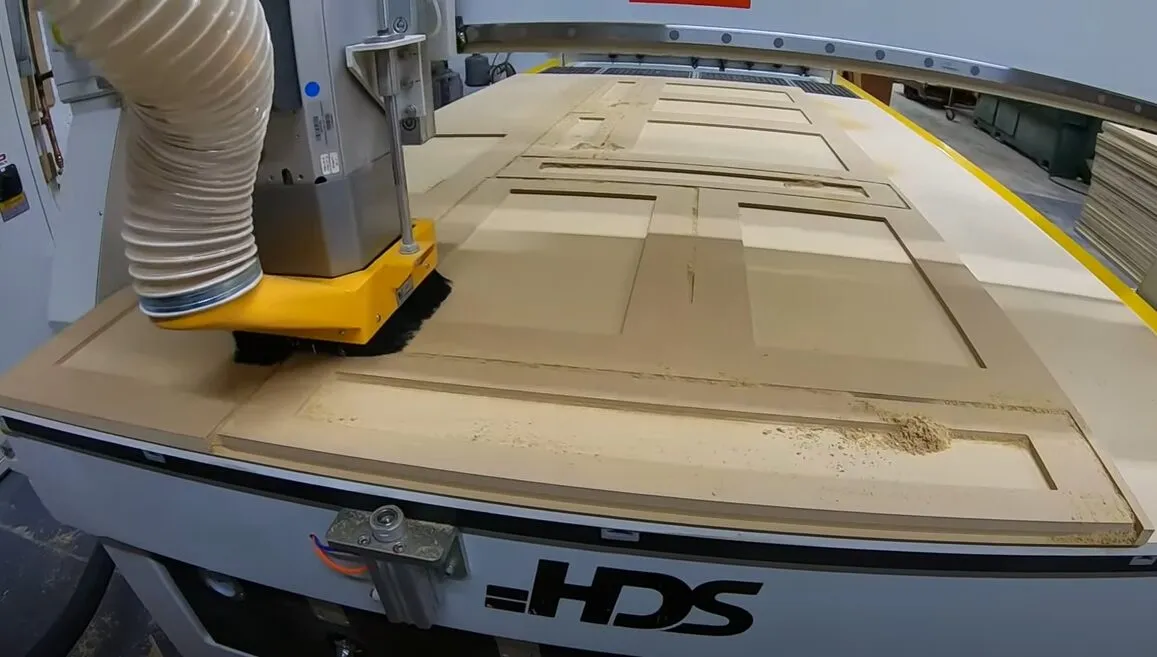
Built for your shop if...
- Custom cabinet, millwork, and sign work
- Sheet-based production. MDF, plywood, plastics.
- 2 to 40 employees
- Quoting in spreadsheets and losing track of sheet counts
- ×You're fine underestimating material on every job
- ×You don't need to track jobs from measure to install
- ×You prefer managing four tools that don't talk to each other
- ×You're happy adding admin staff when business picks up
Sound familiar?
The same problems cost shops jobs every week.
The sheet that blew the budget
You quoted 4 sheets. Job needed 5. Nobody caught it until the material order. That is $200 you will never get back, and the customer already approved the original number.
The cabinet job with no install date
Customer approved the quote. You built it. Delivery day comes and the site is not ready. The job sits in your shop for three weeks and nobody knows whose fault it is.
The cabinet order built to the wrong size
Customer sent updated measurements on Tuesday. You quoted off the original. Shop built off the original. Twenty-four doors arrived on site a quarter inch too wide. You pay for the re-run and the installer's wasted day.
How a job moves through OpenSpindle
From the first inquiry to the paid invoice, in one system.
Built for how CNC Routing Shops actually work
Not generic business software. Every feature speaks the language of your shop.
Quoting + Cost Library
Build quotes from your actual sheet costs, material prices, and run rates. Price by the sheet, by the part, or by linear foot. Update a material price once and every future quote reflects it.
See Quoting + Cost LibraryMachine Scheduling
See every routing job against real machine capacity. Schedule by sheet count and run time. Spot conflicts before your operator asks what is next.
See Machine SchedulingProduction Runs + Shop Floor Display
Stage jobs through cut, assemble, finish, and delivery. Live display on any screen in the shop. No walk to the whiteboard.
See Production Runs + Shop Floor DisplayClient Workspace
Customers review quotes, approve drawings, and check job status without calling you. Fewer phone calls, fewer interruptions on the floor.
See Client WorkspaceHow we compare to Mozaik / Tractivity
The most common design and CAM tools routing shops are already using.
| Mozaik / Tractivity | OpenSpindle | |
|---|---|---|
| Full shop management | Design and CAM only | ✓ |
| Quoting + cost library | No | ✓ |
| Job scheduling | No | ✓ |
| Client workspace | No | ✓ |
| Invoicing | No | ✓ |
| Shop floor display | No | ✓ |
| Per-seat pricing | Subscription per seat | Flat fee |
| Time to go live | N/A (different product) | Hours to days |
Feature comparison based on publicly available information. Verify before publishing.
Getting started is fast
We do the setup. You run the shop.
Flat monthly fee · no per-seat charges · no long-term contract
Everything included
No modules. No add-ons. One flat price.
Common questions
CNC Routing Shops
Ready to see it on your routing shop's jobs?
Book a demo and we will run it on cabinet, millwork, or sign job types. Not a generic walkthrough.